Community Archives
Local history societies, parish record groups, and volunteer-run heritage organisations — The Archiver was built with you in mind. No IT department. No technical knowledge. Just your collection, properly catalogued.
The Challenges
Most community archives don't have dedicated technical staff. You need tools that work without configuration, servers, or specialist knowledge.
Turnover is inevitable. Every new volunteer needs to get up to speed quickly, and the quality of cataloguing can't depend on one person's expertise.
Collections grow unpredictably. Boxes arrive, digitisation projects complete, and the backlog builds — often faster than volunteer hours can clear it.
How We Help
See It In Action
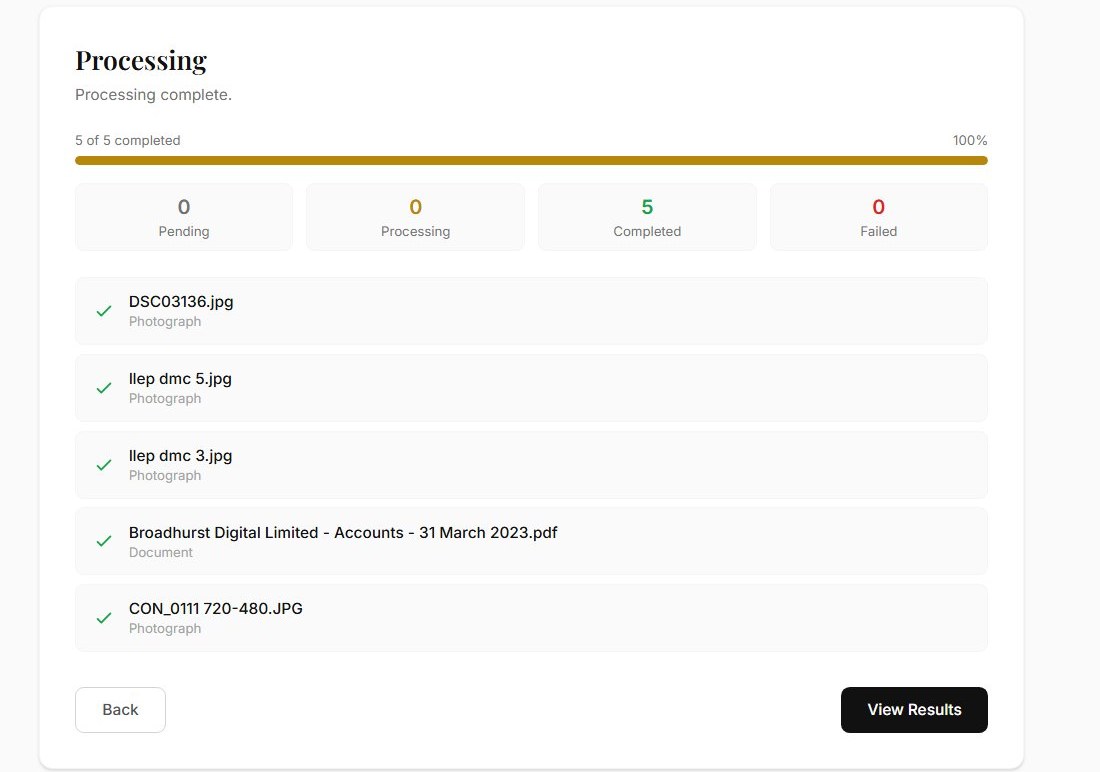
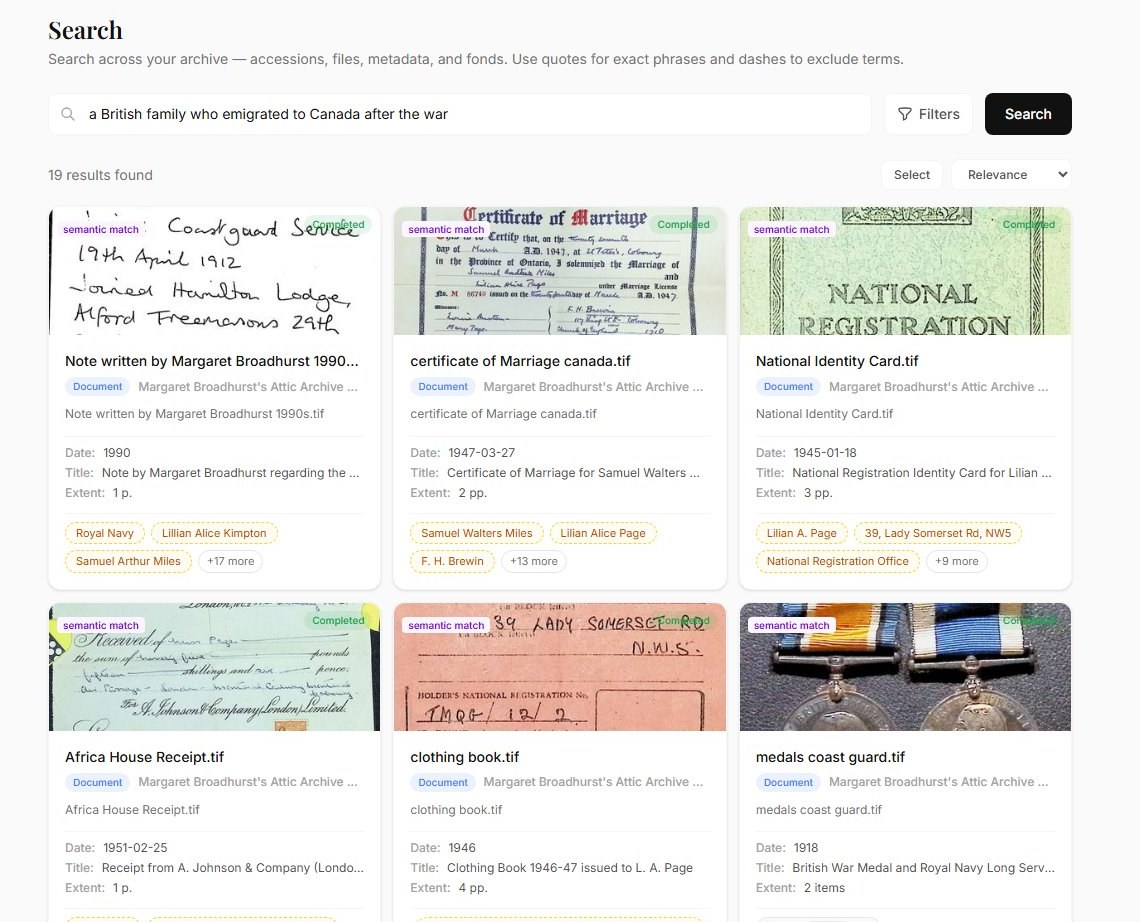
Upload your documents and photographs. The Archiver reads each item and generates a full catalogue record — title, date, description, people, places, and subjects. Review the AI's suggestions, make any corrections, and approve.
No training manual needed. New volunteers can start cataloguing on their first session.
Features Most Relevant to You
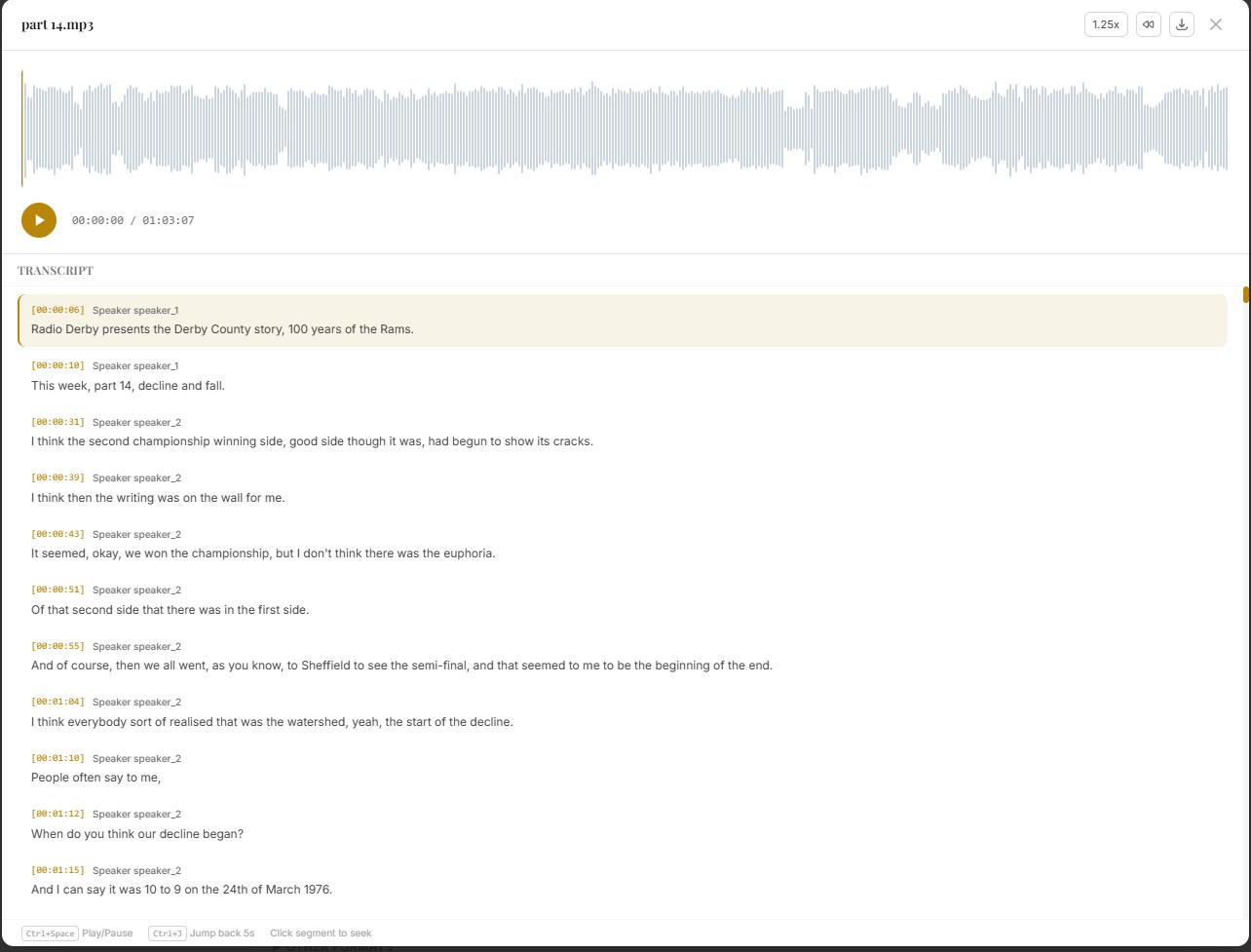
Parish registers, photographs, audio recordings, local maps and more — Archivers.ai processes most common community archive material. See the export formats page for detail.
AI generates title, description, date, people, and places from each item. Edit as needed — or approve as-is.
EAD3 and BagIt outputs designed to support NLHF-style digitisation workflows and reporting conversations with other grant programmes. Demonstrate impact with a standards-aligned catalogue.
Common Questions
Do I need technical knowledge to use The Archiver?
No. If you can use a web browser, you can use The Archiver. There's nothing to install, no configuration required, and no specialist knowledge needed. Our help centre covers everything step by step.
What does "20 items free" actually mean?
You can upload, classify, and export up to 20 items every month at no cost — no credit card, no time limit. Your allowance refreshes on the 1st of each month. It's a genuine free tier, not a trial. When you're ready to catalogue more, paid plans start at affordable rates.
Can I export for grant reporting?
Yes. Archivers.ai produces EAD3 and BagIt with PREMIS exports, designed to support NLHF-style digitisation workflows and reporting conversations with other grant programmes. Formal acceptance by any specific programme depends on the programme’s own requirements — we help you produce the evidence, the programme decides whether it meets their bar.
What file types can I upload?
Documents (PDF, Word, scanned images), photographs (JPEG, PNG, TIFF including multi-page), audio (MP3, WAV), and video. Most common formats are supported.
Is our data safe?
Yes. Customer collection data is not used to train foundation AI models — we follow the no-training commitments of our AI model providers. You retain ownership of your archive and can export or delete your data at any time. See the Trust page for full detail.
From the Blog