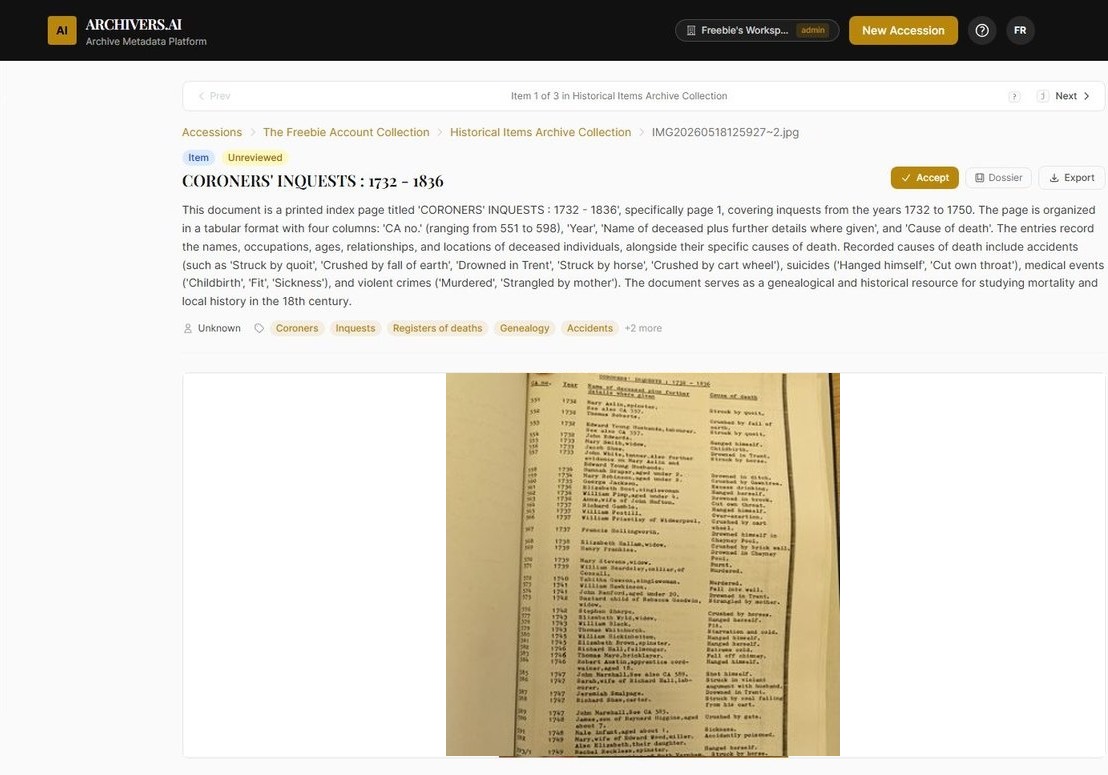
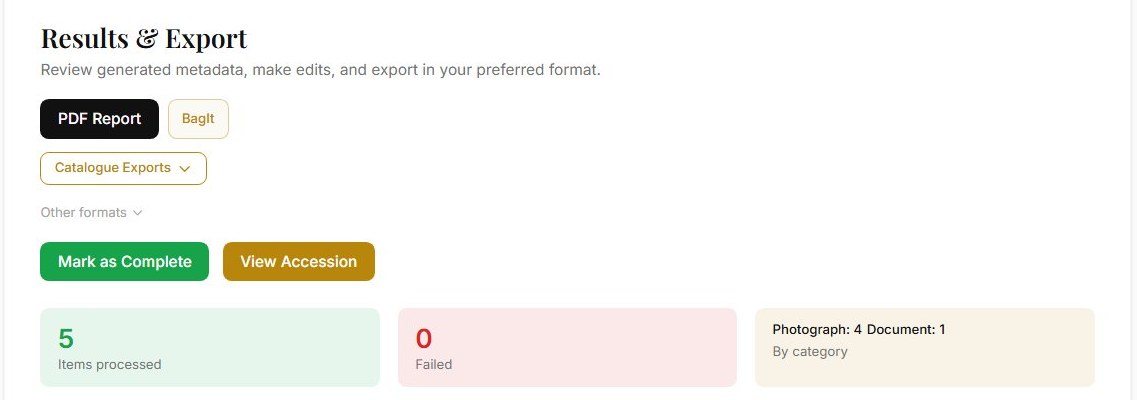
Export profiles for AtoM, ArchivesSpace, Axiell, Modes, Adlib, Mimsy, Preservica, and Archivematica. Your repository or collections management system remains the system of record.

Nothing lands in your catalogue without a human accept

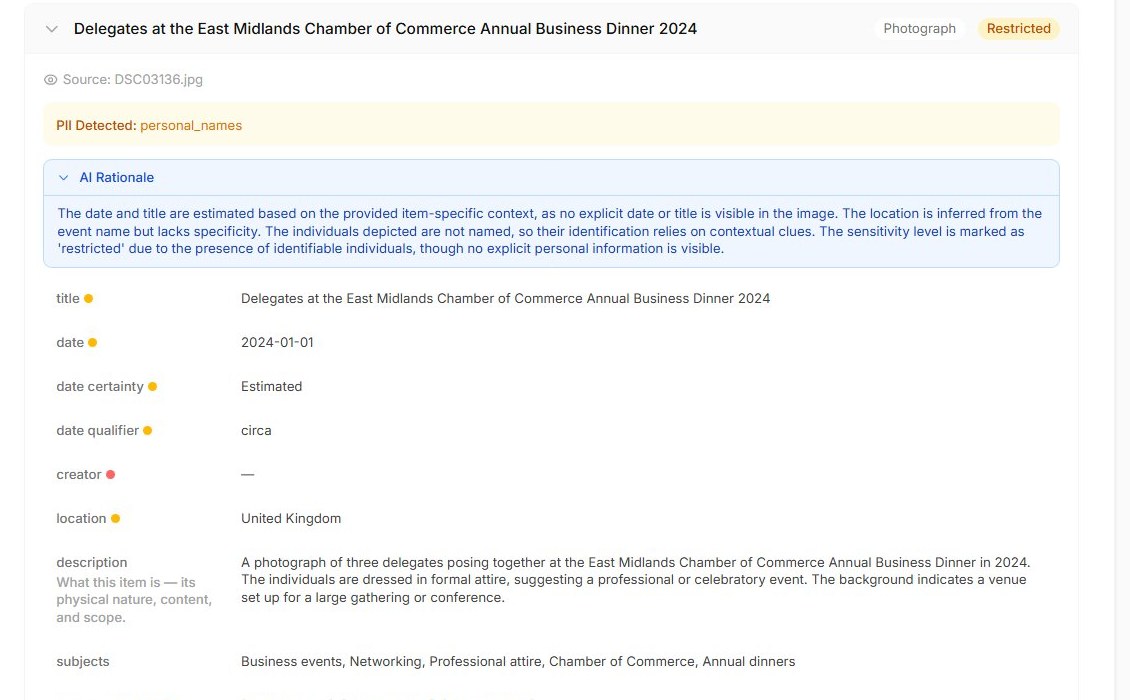
Every AI suggestion carries a per-field confidence score and an audit trail. The AI drafts; your team decides.

🤖

AI reads and classifies

OCR for printed and handwritten text, automatic document type detection, date extraction, named entity recognition across people, places, and organisations.

📄

Rich draft metadata

18+ structured fields drafted automatically: title, description, date, creator, subject, format, language, rights, provenance, and more — all standards-aligned.

Human review workflow

Every AI suggestion waits in your review queue with a per-field confidence score. Approve, edit, or reject — nothing is published without your sign-off, and every decision is recorded in the audit trail.

🔒

Rights flagging

Automatically identifies potential copyright issues and access restrictions. Set item-level rights statements to protect sensitive material.

Built on the standards archives already use

ISAD(G), EAD3, Dublin Core, Spectrum — with exports shaped for the systems downstream. Archivers.ai strengthens your existing stack.

📁

Fonds & accession management

Organise your collection in a proper hierarchical structure. Group items into accessions, arrange accessions into fonds — exactly as archival standards require.

📄

Export in archival formats

EAD3, BagIt with PREMIS, Dublin Core, Spectrum CSV, and import CSVs for AtoM, ArchivesSpace, and Archivematica. Outputs designed to support NLHF-style digitisation workflows. One click to export in the format your downstream systems need.

Professional and above

Analysis suite

Whole-collection analysis, fonds and ISAD(G) drafting, research dossiers, and AI organise — deeper tools for arrangement and appraisal once your collection is processed. Available on Professional plans and above.

From a volunteer with a phone to a county record office

The same platform — the same review gate, the same standards — whatever the size of your team or your backlog.

📤

Upload anything

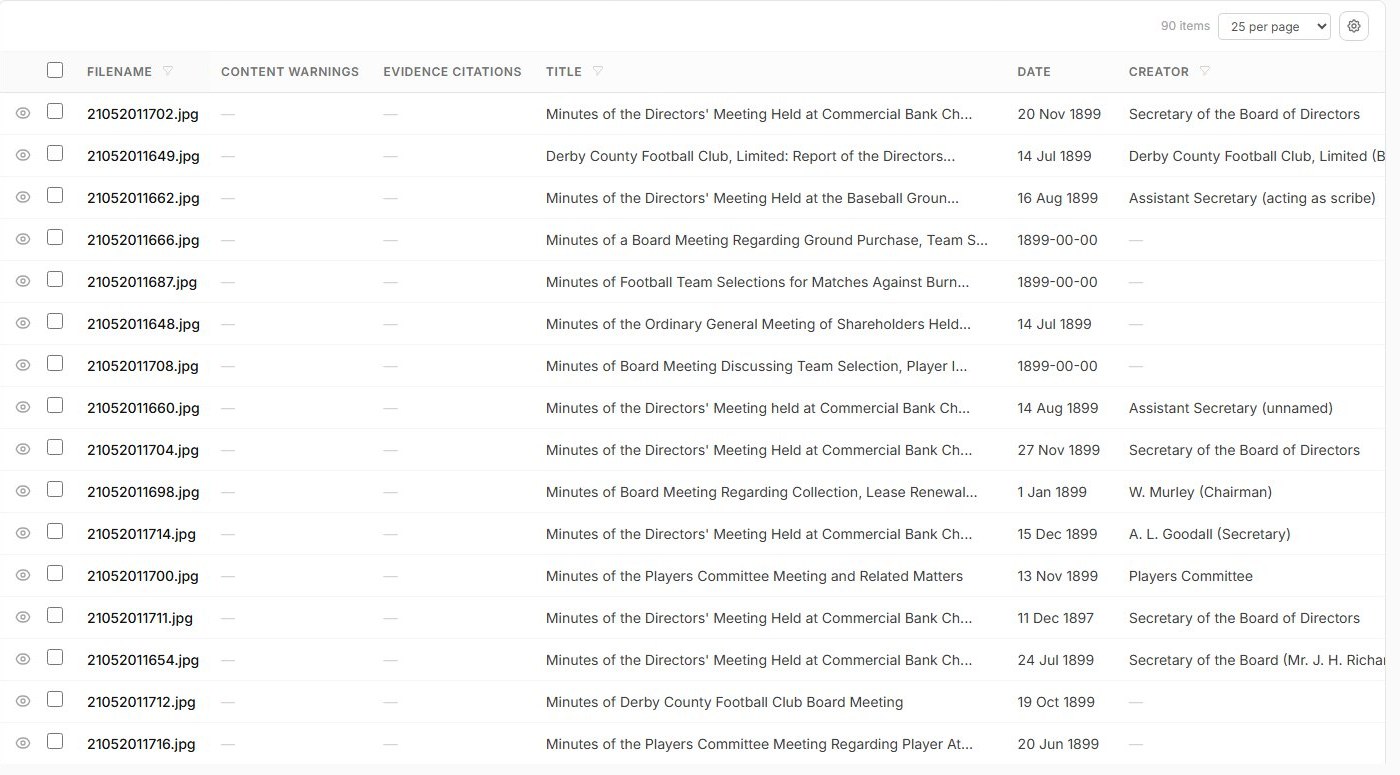
Documents, photographs, audio, video, and multi-page TIFFs across common archival and museum formats. Drag and drop or bulk upload entire collections.

🔍

Full-text search

Search across your entire collection — transcribed text, metadata fields, and AI-generated descriptions. Find any item in seconds.

💬

Explore — AI research workspace

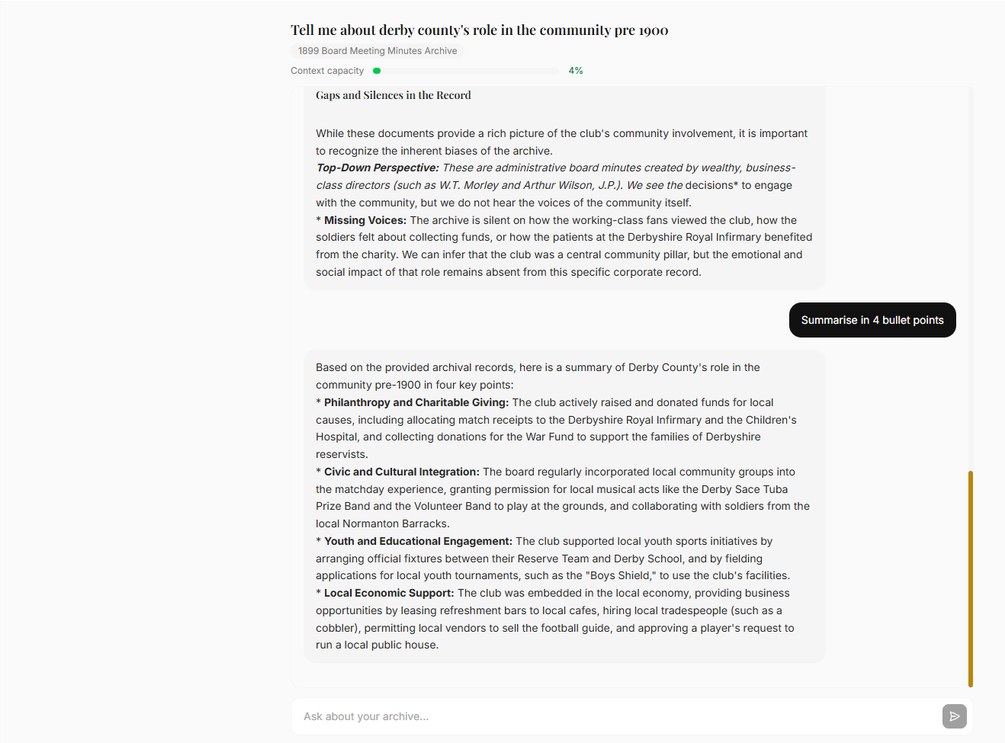
Ask questions across your archive in plain English. Explore draws on transcripts, metadata, and descriptions to surface connections and insights. Included on every paid plan; one message uses one credit.

Built for every heritage professional

📚

For Archivists

ISAD(G)-aligned metadata, EAD3 export, BagIt packages. Professional tools for professional cataloguers.

Learn more →
📈

For Directors

A clear business case, standards-aligned outputs for funded digitisation projects, and measurable backlog reduction. Plus a retention route through staff Explore and public access.

Learn more →
🏛

For Museums

SPECTRUM-aligned draft metadata and object-level cataloguing that supports consistent workflows relevant to museum accreditation processes. Complements your existing CMS — it doesn’t replace it.

Learn more →
🏠

For Community Archives

No IT department required. Simple upload workflow, free to start, and outputs designed to support NLHF-style digitisation workflows and grant reporting.

Learn more →

FAQ

What file types does Archivers.ai support?

Documents (PDF, Word, scanned images), photographs (JPEG, PNG, TIFF including multi-page), audio (MP3, WAV), and video. Most common heritage collection formats are supported.

How does the AI classification work?

Archivers.ai's AI reads each uploaded file — running OCR on documents and images, transcribing audio and video — then drafts structured metadata across 18+ fields. Every AI suggestion carries a per-field confidence score and waits in your review queue: nothing lands in the catalogue without a human accepting it.

What metadata standards do you support?

Archivers.ai generates ISAD(G)- and SPECTRUM-aligned draft metadata and exports in EAD3, Dublin Core, BagIt with PREMIS, and import CSVs. Outputs are designed to support NLHF-style digitisation workflows and downstream systems and services that use EAD-based imports. Formal acceptance by any specific programme depends on the programme’s own requirements.

Can I export to my existing collections management system?

Yes. Archivers.ai exports in CSV, EAD3, and Dublin Core — standard formats accepted by most collections management systems including Axiell, Modes, Adlib, and others.

Is my data secure?

Yes. All AI processing runs in EU data centres, and customer collection data is not used to train foundation AI models — we follow the no-training commitments of our AI model providers. You retain ownership of your archive and can export or delete your data at any time. See the Trust page for full detail on data handling, sub-processors, and exit.

What does it cost to run?

Archivers.ai runs on credits: one credit catalogues one photograph or object, one document page, one minute of video, or five minutes of audio. The app shows the credit cost of every job before you commit, and transparent pricing will be published when we launch.

What does it cost to run?

Archivers.ai is credit-based, with transparent pricing, published when we launch. One credit catalogues one photograph or object, one document page, one minute of video, or five minutes of audio. An Explore message uses one credit; deep AI analyses use five. The app shows you the credit cost before you commit.

Volunteer and reviewer seats are free on every paid plan.

Join the waitlist